

Natsumi Doi | Latest Lightroom Presets: "Blue Film" and "Orange Film"
Natsumi Doi | Latest Lightroom Presets: "Blue Film" and "Orange Film"
Lightroomプリセット
Couldn't load pickup availability
購入時の注意事項と購入後の設定。必ずご確認下さい。
購入時の注意事項と購入後の設定。必ずご確認下さい。
*Lightroom presets cannot be canceled, returned, or exchanged.
* The download period is 90 days from the date of purchase , and the number of downloads is limited to 10 times.
*Please be sure to check the important notes listed here before placing your order.
Natsumi Doi's Lightroom presets: 2 types, "Blue film" and "Orange film"
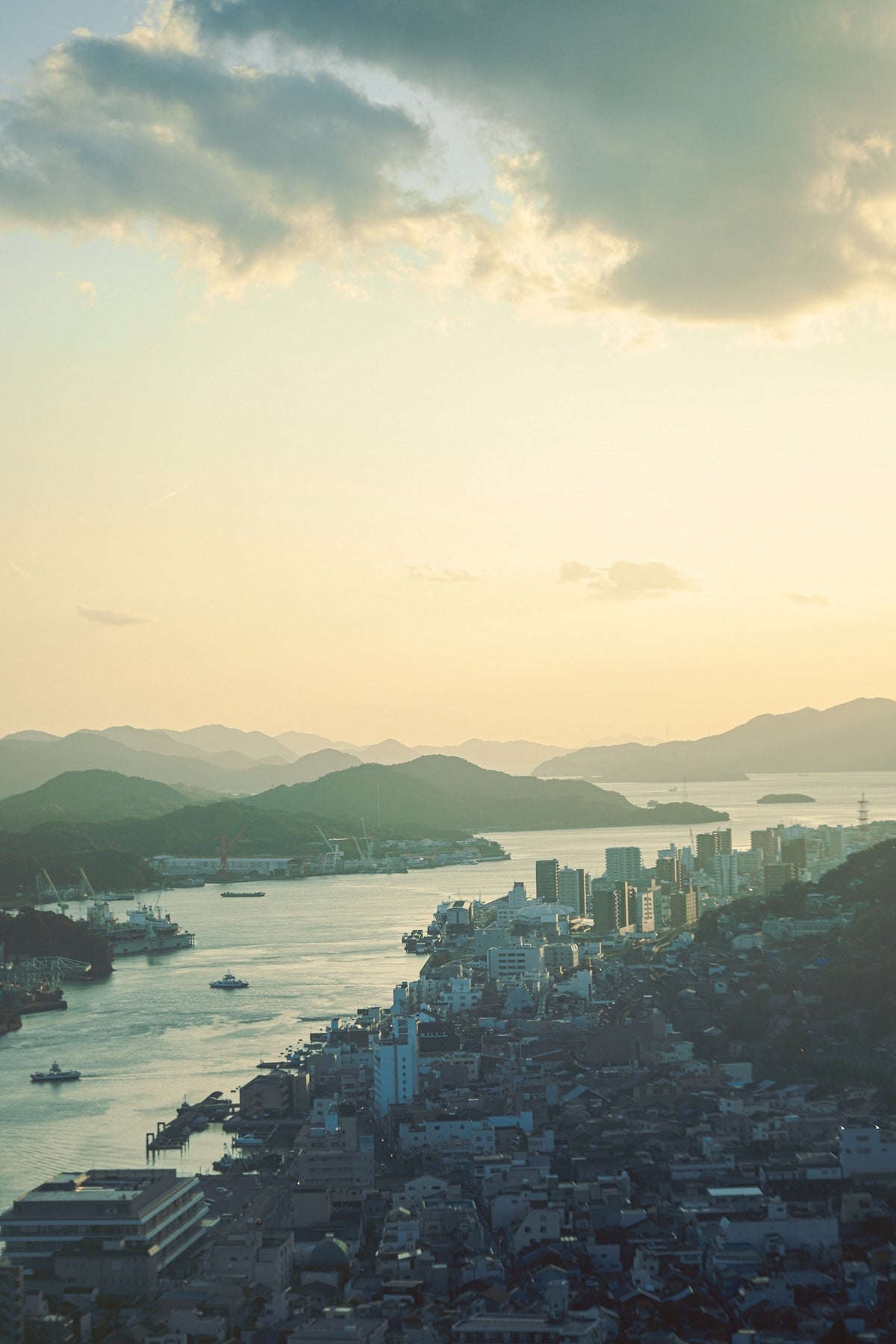
This is the latest Lightroom preset from photographer Natsumi Doi, who captures beautiful moments in familiar places. This preset adds a film-like texture to your photos while making the most of digital saturation. Two types are available: "Blue film" and "Orange film". "Blue film" adjusts blue skies and seas to a refreshing blue with a hint of green, giving them a matte, film-like texture. "Orange film" complements the orange light of sunrises and sunsets, leading to a tone that evokes a sense of nostalgia.
*Each preset contains files in two formats: "dng" and "xmp".
|
"I love taking photos, of course, but I also love retouching them afterward. It's like magic how retouching ordinary everyday scenes I've photographed can make them look a little more sparkly. However, it often takes time to find the right color tones..." -- Natsumi Doi |
Preset ① "Blue film"
"When applied to photos of blue skies or the sea, it creates a refreshing blue with a slight greenish tint. By lowering the highlights and slightly raising the shadows, it has a matte texture and a film-like finish. It's recommended for summer photos such as cumulonimbus clouds or cream sodas. It also works well with dappled sunlight and natural greenery, so try applying it to photos where the image blends into the landscape."
-- Natsumi Doi
Preset ② "Orange film"
"This preset is well-suited to orange light, such as sunrises and sunsets. The subdued contrast creates a nostalgic atmosphere in photos, evoking past memories. By slightly increasing the saturation of blue and decreasing the saturation of orange, it not only captures the light of the sunset but also the depth of the blue shadows. It's especially recommended for backlit photos with strong contrast, creating a retro feel. Even ordinary sunset scenes will appear nostalgic."
-- Natsumi Doi
Author Introduction

Natsumi Doi is a photographer from Kagawa Prefecture. During high school, she was a member of the photography club and participated in the National High School Photography Competition. After working as a studio photographer, she is now based in her hometown of Kagawa. She loves starry skies, the sea, and plants, and takes photographs that blend seamlessly with nature.
Instagram @doi_natsumi_ Threads @ doi_natsumi_ X @ doi_natsumi_
Read Natsumi Doi's article on GENIC WEB
Preparation for placing your order and settings after purchase
Before placing your order, please check your email settings to ensure you can receive emails from shop@genic-web.com .
Once you order Lightroom presets and your payment is complete, you will automatically receive the following two emails.
- Email ①: [GENIC SHOP] Order Confirmation
- Email ②: Order Number: 1234 [GENIC SHOP] Lightroom Preset Download URL
Email ② contains a link to the Lightroom preset download page. Please download and use the preset you purchased from the download page.
An email will be automatically sent after your purchase (payment) is complete. You can start using the presets after receiving the email.